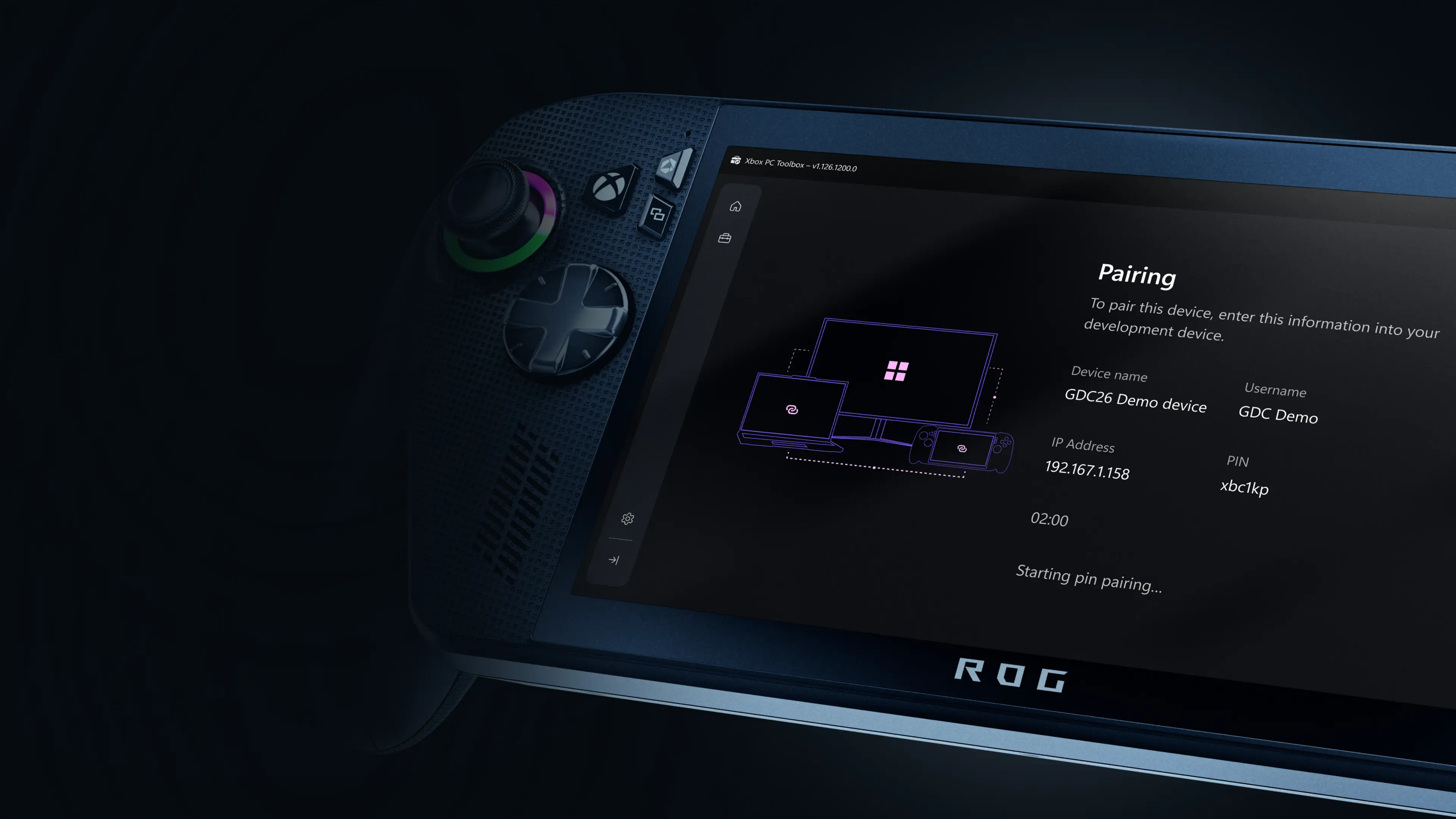
The freshly released Xbox PC Remote Tools are aimed at improving development workflows on remote Windows devices, including handhelds.
Microsoft is bringing out a new set of tools for game developers to streamline their work when it comes to deploying, testing, and debugging PC games on remote Windows devices. Originally announced at GDC 2026, the Xbox PC Remote Tools are now in public preview. Microsoft says they will help developers “spend less time on setup and more time building great games.”
The tools are also not locked down to games releasing onto the Xbox PC app or using the Microsoft Game Development Kit (GDK). The company said that its aim is to streamline the development of Windows games as a whole and that developers can ship their titles on any storefront.
The release includes the Toolbox app to pair with remote Windows devices, a remote debugger extension for Visual Studio, command line tools for launching game builds via scripts, and APIs for integrating remote workflows into engines directly.
Microsoft also gave a breakdown on how developers can integrate the new remote tools into their workflows:
| Workflow Step | Before | With Xbox PC Remote Tools |
|---|---|---|
| Device Setup & Pairing | Manual installs, firewall tweaks, inconsistent setup across devices | Secure provisioning and device pairing in minutes via the Xbox PC Toolbox |
| Deploying Builds | Full builds copied over network, slow and error-prone | Consistent incremental deployment sends only the changed files, dramatically speeding up iteration |
| Debugging on Remote Devices | Manual, multi-step download, installation, and configuration required. Secure connection not available in all scenarios | Easily acquire the Xbox PC Remote Debugger in the Visual Studio marketplace. Press F5 in Visual Studio to deploy, launch, and attach debugger |
| Managing and Iterating with Multiple Remote Devices | No centralized view, hard to track paired devices or manage connections | The Xbox PC Remote Tools provide an easy way to view and iterate on paired devices |
| Automation & CI/CD Integration | No consistent tooling or APIs for scripting remote workflows | Xbox PC Remote Iteration command-line tools and APIs enable integrations in your tool chains and engine workflows |
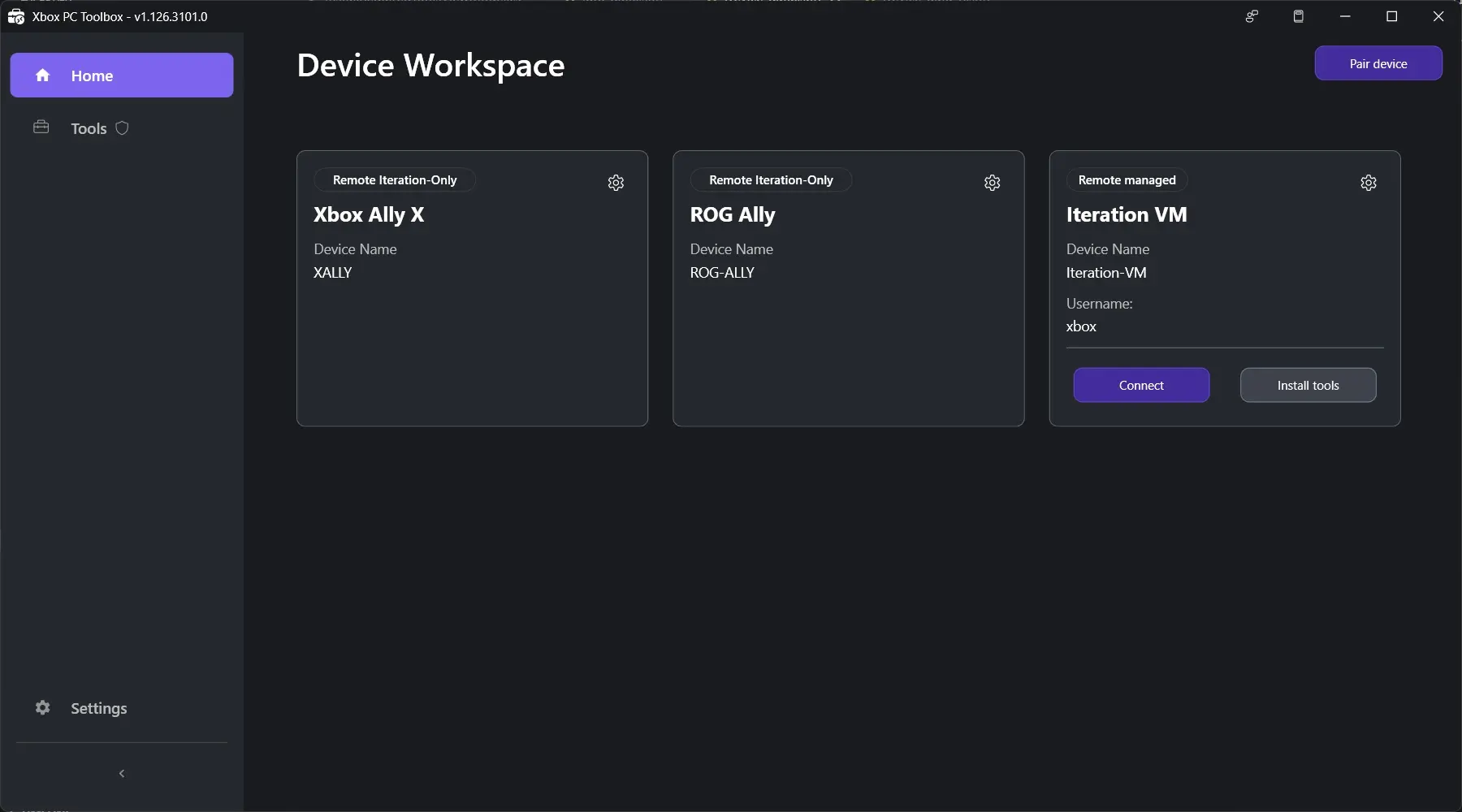
Interested developers can head to the Microsoft Store and download the Xbox PC Toolbox app to get started. The Xbox PC Remote Debugger extension for Visual Studio 2022 or 2026 IDE can be found here. Find the full documentation for Xbox PC Remote Tools, with information and how-to guides, over here.